 Dupline: digital I/O expansion
You can use Dupline generators (with IO modules) to expand ARA-Pro Next with additional digital I/O. ARA can then report alarms from these Dupline components.
Note: If you use ARA5 and switch to ARA-Pro Next, you must change your Dupline hardware configuration before you can send alarms to ARA-Pro Next. See Dupline for ARA-Pro Next: Hardware configuration.
Linking Dupline generators (with IO modules) to ARA-Pro Next
- Open
Settings. - Select
Duplinein the navigation menu. - Click
Edit. - Click
Add. - Enable the component.
- Enter a recognisable name and select the bus ID (1 to 16).
- Select the IO modules you want to use and give them names.
- Click
Add.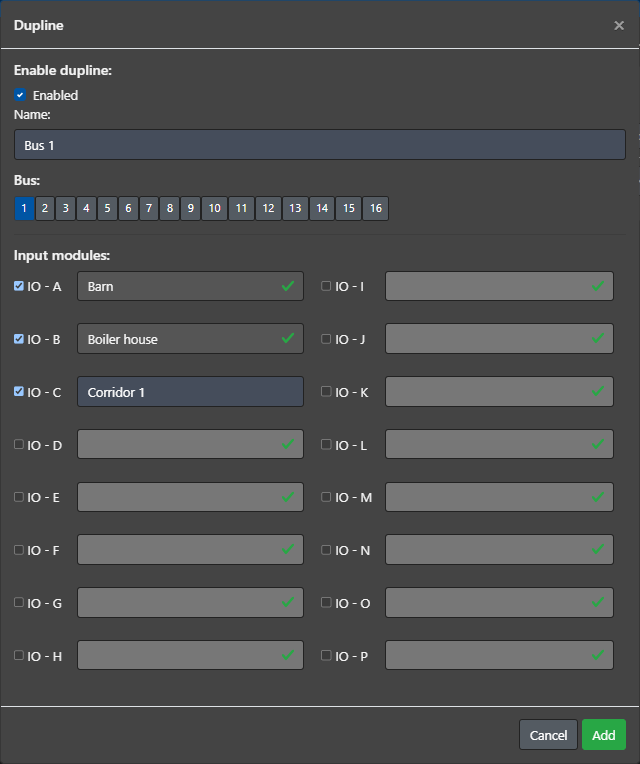
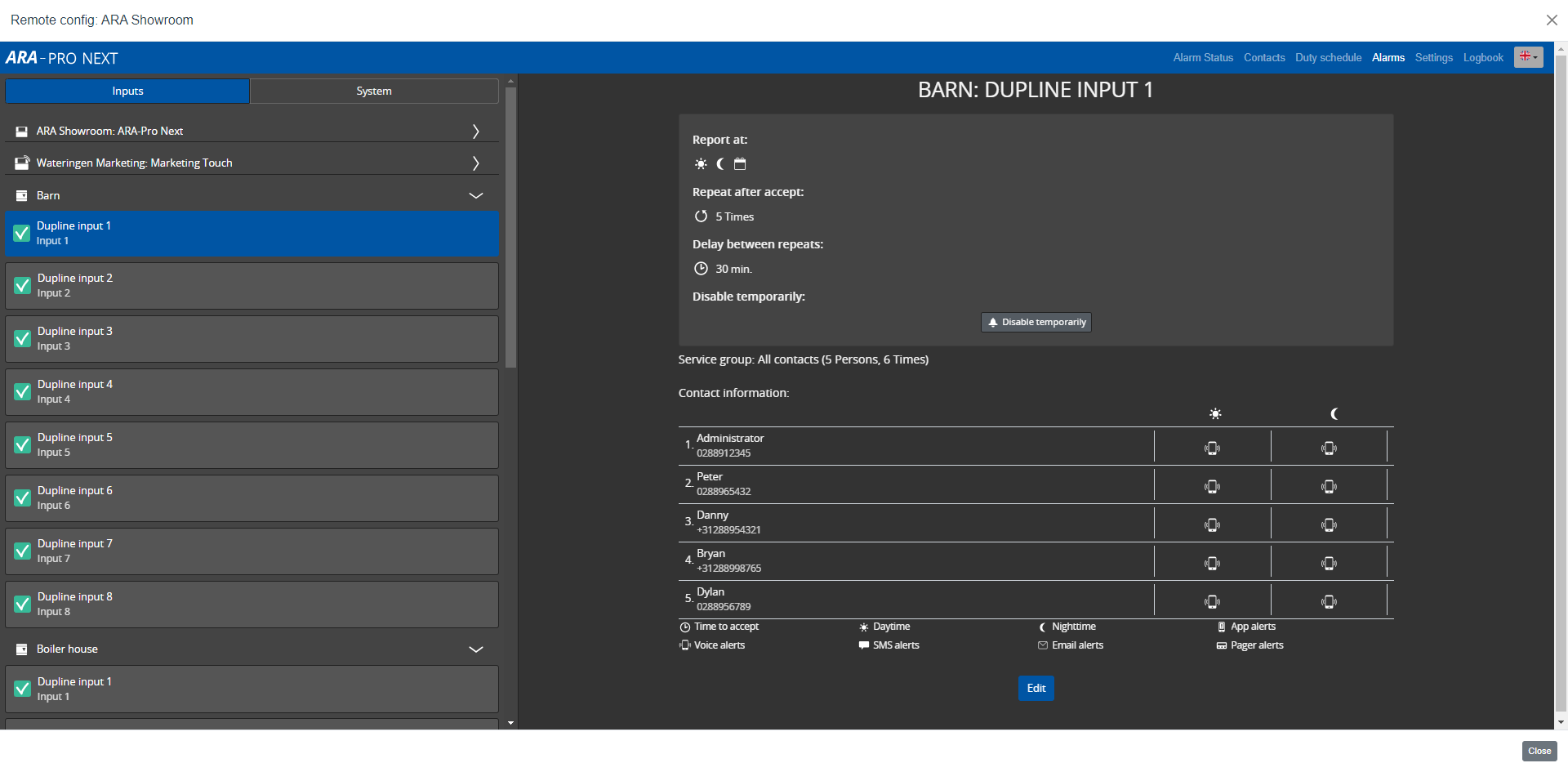
After you link the Dupline generator to ARA, the system adds the IO modules to Alarms. You can then configure these alarms in the same way as other alarm inputs:
- Assign service groups.
- Change the input settings (for example, Normally Open/Closed, input delay, and repeat).
Then configure the duty schedule for these alarms.