 ARA components
Alarm status
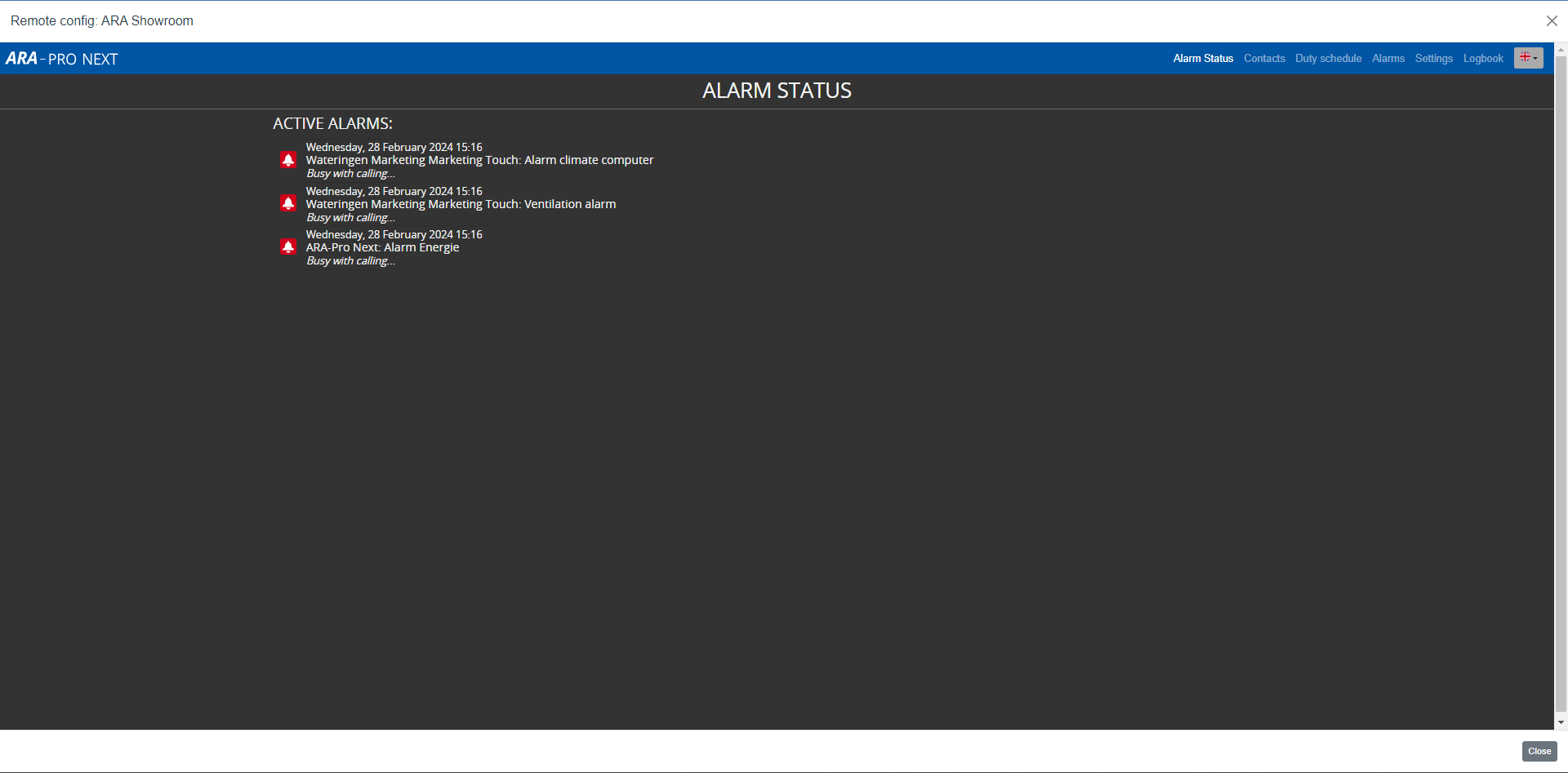
The alarm status screen provides:
- a real-time overview of all active alarms;
- the current status of the call procedure.
When you reset an alarm, ARA removes it from this screen immediately.
Duty schedule
Use the duty schedule to plan on-call duties for longer periods. ARA-Pro Next includes this licence as standard. Read more in Duty schedule module.
The dialler: contacts, alarms, settings and logbook
ARA-Pro Next uses an ARA-Touch Pro as its dialler. You configure the dialler in the same way as on a Touch Pro. For more information, see:
Good to know:
- The eight inputs on the dialler have been replaced by icons for the alarm dialler (ARA), linked diallers (Touch and Touch Pro) and Dupline generators.
- Disabled alarms are displayed via a separate button. This button disappears automatically when no disabled alarms remain.